Hosting
How to setup network adapter in CentOS?
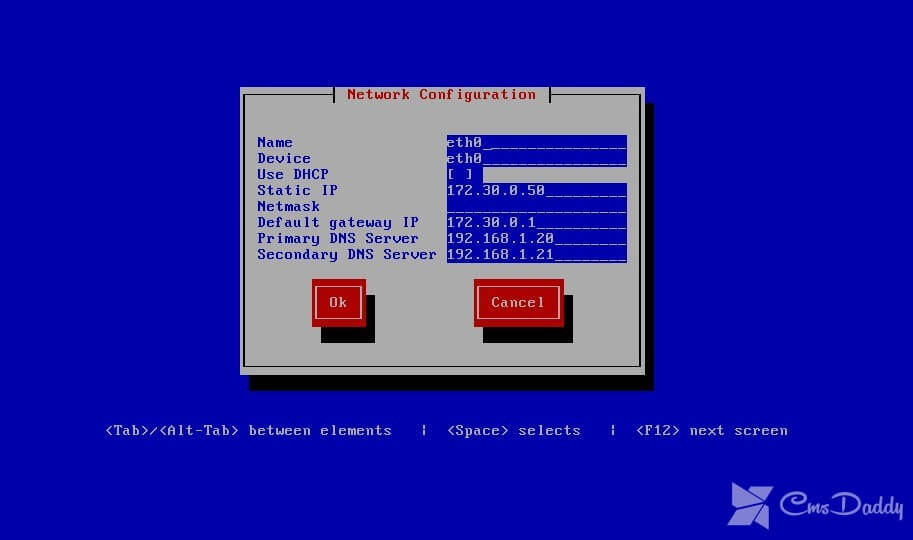
After connecting the VPS with CentOS operating system to a private or public network, you must configure the network interface. Step 1 Connect to the virtual server with superuser privileges and execute the command: ifconfig -aYou will see a list of available adapters of the following type: eth0: flags = 4163