7 Powerful Ways on How to Get Rid of Old Computers Safely and Smartly

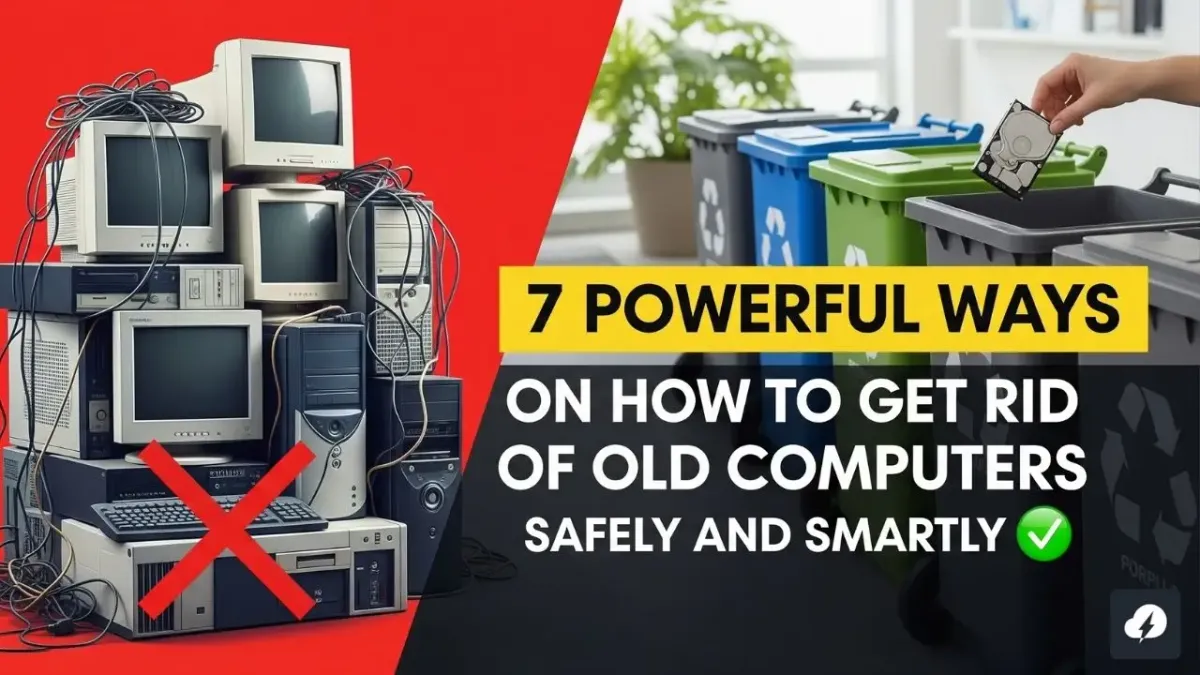
If you’re wondering how to get rid of old computers, you’re not alone. Countless people hang on to outdated tech out of confusion or concern about data security, environmental impact, or simply not knowing the next step.
This in-depth guide walks you through secure, environmentally friendly, and even profitable methods to dispose of old computers. Whether it's a dusty desktop in the attic or a forgotten laptop in a drawer, you’ll find a suitable way to say goodbye to your machine.
Why It's Critical to Know How to Get Rid of Old Computers
Understanding the why is just as vital as the how.
Environmental Concerns
- Old computers often contain hazardous materials like mercury, lead, and cadmium.
- Improper disposal contributes to electronic waste (e-waste) pollution.
Data Protection
- Even wiped devices can retain sensitive personal, financial, or business data.
- Cybercriminals often target improperly discarded hardware.
Legal Ramifications
- Many regions have strict e-waste disposal regulations.
- Ignoring these could lead to fines or penalties.
How to Get Rid of Old Computers: Start with Data Backup and Removal
Before you donate, recycle, or repurpose a computer, ensure your personal information is protected.
Step 1: Backup Important Files
- Use an external hard drive, USB stick, or cloud storage like Google Drive or Dropbox.
- For full backups, use tools like Macrium Reflect or Time Machine (Mac users).
Step 2: Perform a Secure Data Wipe
- Use DBAN, Eraser, or CCleaner Drive Wiper to erase files permanently.
- Want total data destruction? Remove the hard drive and physically destroy it.
Can It Be Upgraded? Reconsider Before You Recycle
Not all old computers are trash.
When an Upgrade Makes Sense
- Systems from the last 5–7 years may just need a refresh.
- Replace HDD with SSD and upgrade the RAM for faster performance.
Switch to Lightweight OS
- Install a lightweight Linux distro like:
- Linux Mint
- Zorin OS
- Ubuntu Lite
Perfect for casual browsing, streaming, and word processing.
How to Get Rid of Old Computers Through Donations
Giving your computer a second life can benefit others and reduce landfill waste.
Best Places to Donate Old Computers
- Non-profits and Schools: They welcome functioning or repairable systems.
- Goodwill & Salvation Army: Often partner with refurbishers.
- Local Charities and Community Centers: Frequently hold tech drives.
Before You Donate
- Ensure it powers on.
- Include basic peripherals (charger, mouse).
- Wipe data and do a fresh OS install.
Selling or Trading In Old Computers for Extra Cash
If your device still has market value, why not turn it into cash or credit?
Top Platforms to Sell Old Computers
- eBay
- Facebook Marketplace
- Craigslist
- Swappa
- OfferUp
List specs clearly and include detailed photos.
Best Trade-In Options
- Apple Trade-In Program
- Best Buy Trade-In
- Amazon Tech Trade-In
- HP and Dell Buyback
Tip: Some retailers offer instant store credit even for damaged or outdated machines.
How to Get Rid of Old Computers by Recycling Them Properly
When devices are too damaged or outdated, recycling is your best bet.
Where to Recycle Old Computers
- Certified E-Waste Recyclers: Look for R2 or e-Stewards certified recyclers.
- Use websites like:
Retailer Recycling Programs
- Best Buy: Accepts up to three items per day per household.
- Staples: Offers in-store tech recycling.
- Dell Reconnect (with Goodwill): Accepts old PCs and accessories.
Creative Ways to Repurpose Old Computers
Still not ready to part ways? Turn your relic into something useful.
DIY Projects Using Old PCs
- Retro Gaming Console: Install emulators and relive old classics.
- Media Streaming Server: Use Plex or Kodi to stream content.
- Home Network Storage: Build a NAS (Network Attached Storage) system.
- Kids' Learning Station: Set up educational software or typing tutors.
- Digital Photo Frame: Use the monitor and a Raspberry Pi for a cool display.
Special Disposal for Non-Working Computer Parts
Some parts need extra attention.
Items to Recycle Separately
- Batteries: Take to hazardous waste centers.
- Cables and Chargers: Accepted at most tech stores.
- Monitors/CRTs: Contain harmful chemicals; dispose through certified centers.
- Hard Drives: Consider crushing or shredding.
Bulk Computer Disposal: What to Do with Multiple Devices
Managing dozens of computers? Here’s how to get rid of old computers in bulk.
Options for Businesses, Schools, or Offices
- Contact IT Asset Disposition (ITAD) providers.
- Services typically include:
- Secure data wiping
- Logistical pickup
- Asset tracking and certification
Recommended Providers
- Sims Recycling Solutions
- GreenTech Assets
- Iron Mountain
Stay Compliant: Understand Local E-Waste Laws
Don’t forget to check your area’s regulations.
How to Stay Legal
- City websites often post e-waste disposal info.
- Some areas offer free monthly e-waste drop-off events.
- Never put a computer in household trash.
Quick Reference: Best Disposal Options for Old Computers
| Disposal Method | Ideal For | Eco-Friendly | Requires Data Wipe |
|---|---|---|---|
| Donation | Working, lightly used PCs | ✅ | ✅ |
| Reselling/Trade-In | Slightly outdated but functional | ✅ | ✅ |
| Recycling | Broken or obsolete devices | ✅✅✅ | ✅ |
| Repurposing | DIY tech enthusiasts | ✅✅✅ | ✅ (optional) |
| Bulk Services | Offices or institutions | ✅✅✅ | ✅✅✅ |
Mistakes to Avoid When Disposing of Old Computers
Stay away from these common errors:
- Skipping a proper data wipe
- Tossing the device in the garbage
- Using uncertified recyclers
- Forgetting accessories and chargers
Extra Tips to Make the Process Smooth
- Label your cords and components before bundling them up.
- Use original packaging for better resale value.
- Document your device's condition with pictures for donation or trade-in purposes.
Eco-Friendly Brands Making Disposal Easier
Top Brands Supporting Green Tech Disposal
- Apple – In-store and mail-in recycling.
- HP – Offers recycling return kits.
- Lenovo – Provides recycling and donation resources.
How to Get Rid of Old Computers for Education or DIY Projects
Perfect for classrooms or tinkering:
- Teach kids how to build or repair PCs.
- Practice installing operating systems.
- Experiment with robotics and automation tools.
How to Stay Safe While Getting Rid of Old Computers
Key Security Practices
- Encrypt your hard drive before wiping.
- Use certified data destruction software.
- Remove and destroy the hard drive if unsure.
Donating? Claim a Tax Deduction
Yes, it can benefit your wallet too.
How to Claim
- Get a receipt from the charity.
- Determine the fair market value.
- Consult your tax advisor for the write-off.
FAQs
How do I wipe data before getting rid of old computers?
Use secure software like DBAN, Eraser, or CCleaner. Physical destruction is also an option.
Can I throw an old computer in the garbage?
No. It's illegal in many areas and harmful to the environment. Always recycle or donate.
What if my computer doesn’t turn on?
Recycle it or donate to a refurbisher. Parts can still be valuable.
Where can I donate an old computer near me?
Try local schools, Goodwill, non-profits, or search online directories like Computers with Causes.
Is it safe to sell an old computer online?
Yes, if you securely wipe your data and provide accurate listing info.
What do recycling centers do with old computers?
They extract reusable materials and dispose of hazardous components responsibly.
Final Thoughts: Make the Smart Move Today
Now that you know how to get rid of old computers, it’s time to take action. Whether you recycle, donate, sell, or repurpose, make sure you protect your data and follow eco-friendly practices.
Doing your part helps the environment, declutters your space, and might even bring in a little cash—or do a lot of good.
Your old device might be outdated to you, but it could be a valuable tool for someone else. Choose wisely.