Top 25 Must-Have Items: CCTV Camera Installation Materials List & Equipment Needed

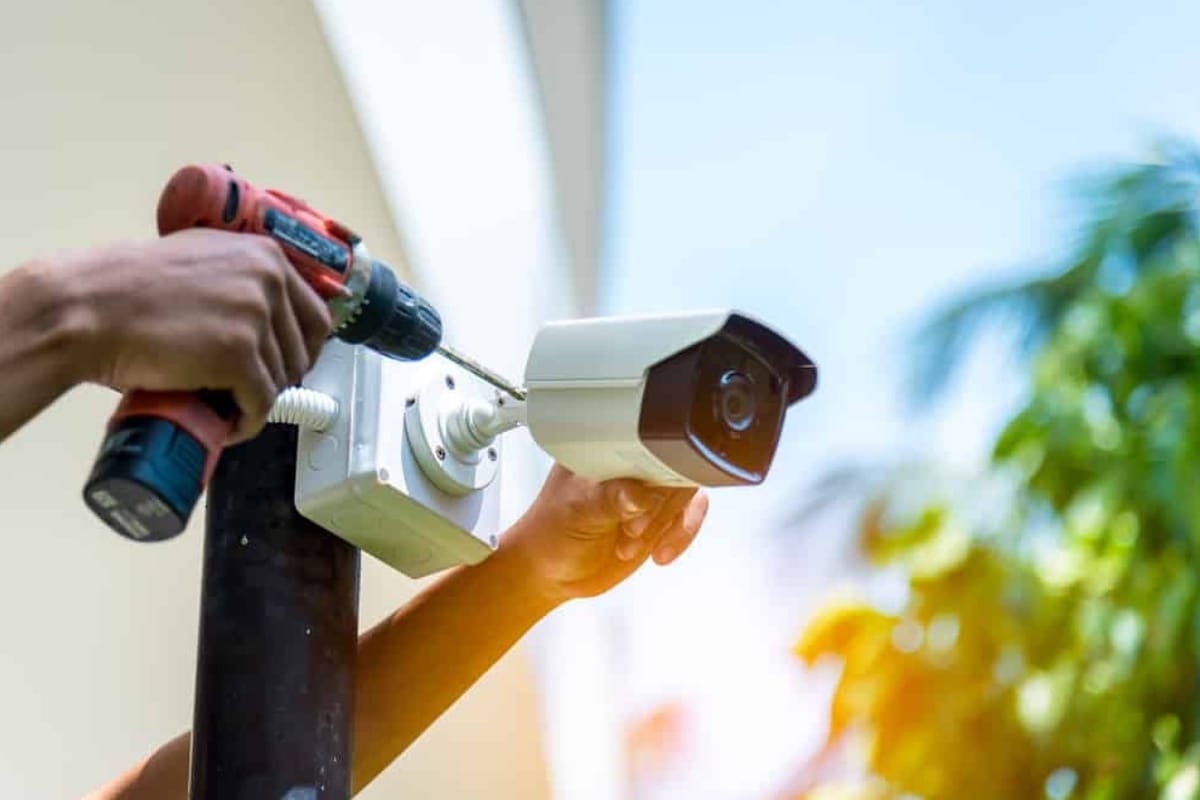
When it comes to setting up a secure surveillance system, knowing the CCTV Camera Installation Materials List & Equipment Needed is the first and most critical step. Whether for residential, commercial, or industrial premises, using the correct components ensures reliable monitoring and protection.
Let’s break down everything you’ll need for a hassle-free installation—from cameras and cables to connectors and power supplies.
Why You Need a Complete CCTV Camera Installation Materials List & Equipment Needed
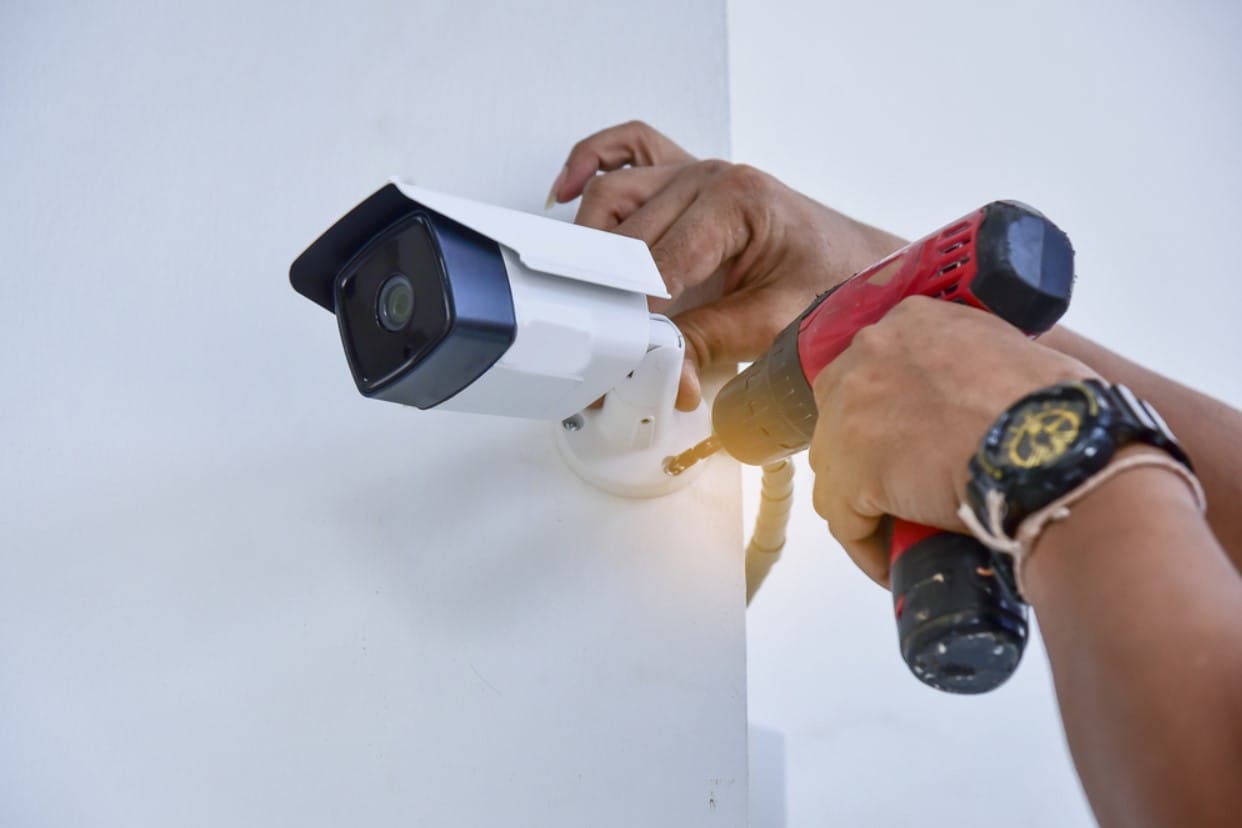
A well-planned installation not only prevents technical failures but also enhances the overall security experience. With the right tools and components, you save time, reduce maintenance issues, and ensure uninterrupted surveillance.
Core Equipment in Every CCTV Installation Setup
High-Quality CCTV Cameras
Your choice of camera depends on the environment and the level of surveillance required:
- Dome Cameras – Ideal for indoor use and aesthetic appeal.
- Bullet Cameras – Suitable for outdoor areas due to their range and durability.
- PTZ Cameras – Allow for remote Pan, Tilt, and Zoom functionalities.
- IP Cameras – Provide high-definition video over network infrastructure.
Each type serves a specific purpose. Be sure to match your choice to the required surveillance needs.
DVR or NVR Devices
These act as the command centers of your CCTV system:
- DVR (Digital Video Recorder) – Used with analog cameras and coaxial cables.
- NVR (Network Video Recorder) – Supports IP cameras using Ethernet cables.
Choose your system based on compatibility and scalability.
Storage and Data Management Components
Surveillance-Grade Hard Disk Drive (HDD)
Avoid using regular desktop HDDs. Instead, opt for:
- 1TB–4TB HDDs for standard home or office setups.
- Surveillance-specific HDDs for 24/7 read/write operation.
These drives are built to handle continuous video recording and last longer under load.
Power Solutions for Stable Operation
Power Supply Options
Reliable power ensures uninterrupted surveillance:
- Individual Adapters – Power each camera separately (commonly 12V 2A).
- Centralized Power Supply Boxes – Power multiple cameras simultaneously.
Calculate total wattage to avoid overload and heating issues.
Power Splitters
Useful for efficient cable management and powering two cameras from a single source.
Essential Connectivity Materials
CCTV Camera Cables
Different systems require different cable types:
- RG59 Coaxial Cables – For analog systems with BNC connectors.
- Cat5e/Cat6 Ethernet Cables – For IP camera setups (supports PoE).
- Siamese Cables – Combine power and video in a single wire.
Ensure proper cable insulation and quality to avoid interference.
BNC Connectors and Video Baluns
For connecting and transmitting video signals:
- BNC Connectors – Used with RG59 cables for analog camera setups.
- Video Baluns – Enable transmission over long distances via Ethernet cables.
These accessories ensure clean signal delivery and secure connections.
Visual Monitoring Components
Display Monitors
Key features for monitoring setups:
- Resolution – Full HD for crisp clarity.
- Inputs – HDMI, VGA depending on DVR/NVR compatibility.
- Size – 19” to 24” for general use.
Choose a monitor that fits your surveillance scope and room size.
Installation and Mounting Tools
Essential Tools for CCTV Mounting
Ensure precise installation with:
- Drill Machine and Bits
- Screwdrivers and Mounting Screws
- Level Tool – Ensures proper alignment.
- Wire Cutter/Stripper – For clean cable preparation.
- Tape Measure – For accurate placements.
These tools simplify camera positioning and ensure stability.
Wall Mounts and Junction Boxes
- Wall Mounts – Securely position cameras on various surfaces.
- Junction Boxes – Protect connectors and wires from moisture and tampering.
Especially important for outdoor installations exposed to weather conditions.
Cable Management and Protection
Conduit Pipes and Cable Trays
For safe and neat cabling:
- PVC Conduits – Durable and water-resistant.
- Flexible Cable Ducts – Easy installation in tight corners.
- Cable Trays – Organize and route multiple cables.
Use these to enhance both safety and aesthetics.
Advanced Networking Needs
PoE Switches and Injectors
Perfect for IP camera systems:
- PoE Switches – Transmit both data and power via Ethernet cables.
- PoE Injectors – For systems lacking PoE-compatible switches.
These simplify wiring and reduce the need for additional power adapters.
Router and Internet Connection
A stable internet connection is needed for:
- Remote Access
- Cloud Storage Integration
- Mobile Notifications and Live Viewing
Use a high-speed router with strong encryption for better security.
Power Backup Essentials
Uninterrupted Power Supply (UPS)
To safeguard against power failures:
- Capacity: At least 600VA for small systems.
- Backup Duration: 20–60 minutes depending on load.
This ensures critical footage is not lost during outages.
CCTV Software & Applications
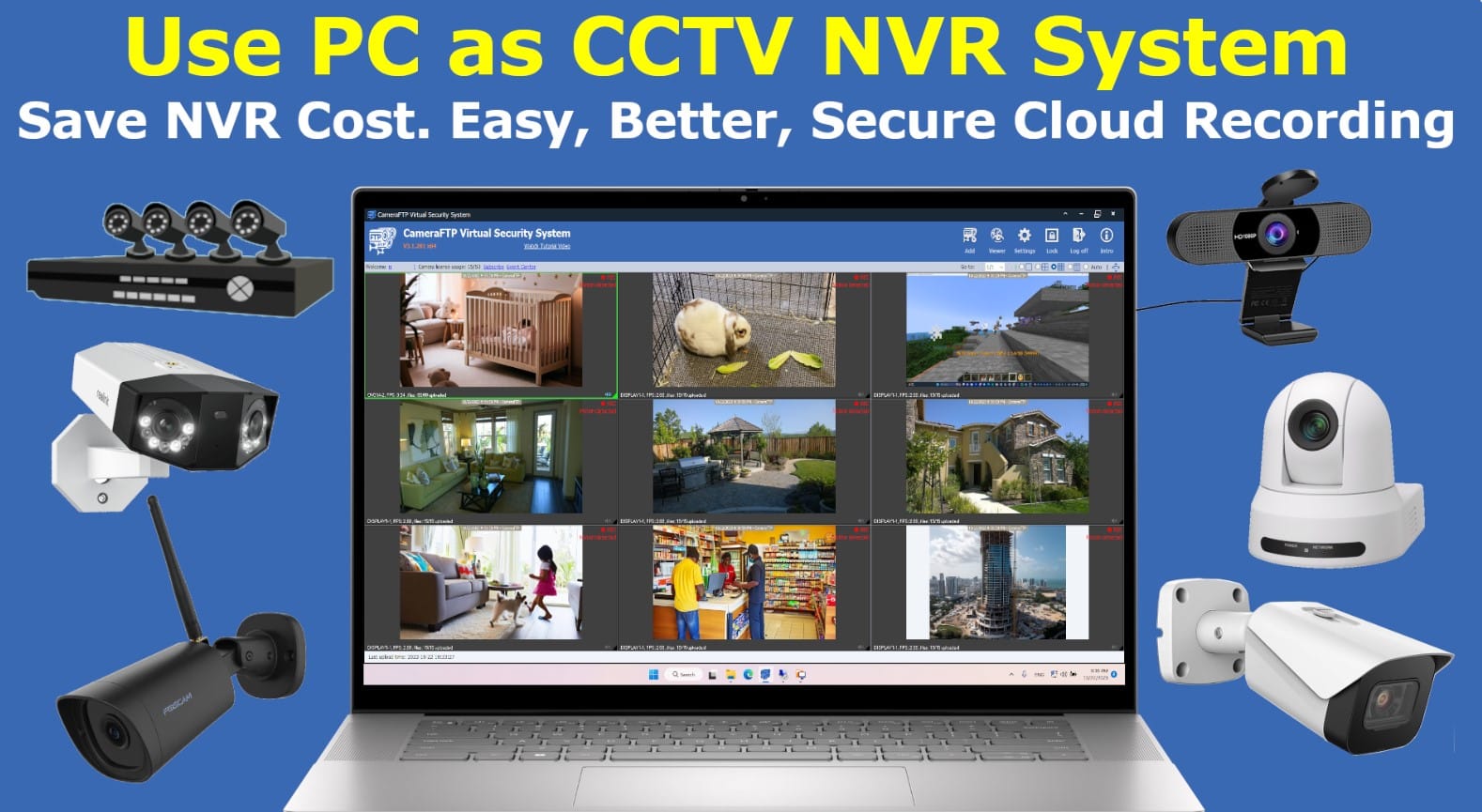
Use manufacturer-specific tools for configuration:
- Hik-Connect
- XMEye
- IVMS-4200
- Dahua DMSS
These offer live view, playback, configuration, and alerts.
Signage, Tools, and Accessories
Warning Stickers and Surveillance Signs
- Legal Requirement in some regions.
- Acts as a Deterrent for trespassers.
Place them at visible points like entrances and gates.
Tool Kit for Final Setup
Keep a handy kit with:
- Insulation Tape
- Screws and Anchors
- Protective Gloves
- Multi-meter – For voltage checks.
Never underestimate the role of basic tools in streamlining your setup.
Comprehensive Materials Checklist Table
| Item | Function |
|---|---|
| CCTV Cameras | Capture live footage |
| DVR/NVR | Record and store video |
| HDD (Surveillance-grade) | Saves recorded data |
| Power Supply Units | Delivers consistent power |
| BNC Connectors & Video Baluns | Secure video transmission |
| RG59/Cat6/Siamese Cables | Carry video and power |
| Junction Boxes | Protects wiring |
| Wall Mounts | Fixes cameras securely |
| Drill Machines | Used for mounting |
| Display Monitors | Watch live or recorded footage |
| Conduit Pipes | Manage and protect cables |
| PoE Switches & Injectors | Simplifies network and power for IP cameras |
| Router & Internet | Remote viewing and mobile access |
| UPS Backup | Power continuity during outages |
| Mobile Apps & Software | Manage and view remotely |
FAQs
What is included in a CCTV Camera Installation Materials List & Equipment Needed?
It includes cameras, DVR/NVR, HDD, power supplies, cables, connectors, display units, and installation tools.
Can I install a CCTV system without an internet connection?
Yes, but remote access and cloud backup features will not work without internet.
Do I need a PoE switch for IP camera installation?
If your cameras support PoE, using a PoE switch simplifies installation by transmitting power and data through a single cable.
Which is better: DVR or NVR?
NVRs support digital IP cameras and offer better image quality, while DVRs are compatible with analog cameras.
How many days of footage can a 1TB HDD store?
Approximately 15–20 days for four HD cameras recording continuously.
Is it necessary to use a UPS with a CCTV system?
Yes, a UPS protects your system during power failures and voltage fluctuations.
Conclusion
Having a complete understanding of the CCTV Camera Installation Materials List & Equipment Needed is crucial for both DIY installations and professional setups. From cameras to connectors, each component plays a vital role in the security ecosystem. Ensure you invest in quality materials to guarantee long-term performance and reliability.
Whether you’re protecting your home, office, or commercial property, a carefully curated list and proper installation process make all the difference. Stay secure and plan your setup the smart way!